SCALING SYSTEM UX
*2D Drawing Application Measurement Tools for Product Designers
Role: UI/UX Designer
Team: XandY Learning(2)
Date: 2024-02-01
Stack Used: Figma, User Research, User Interviews
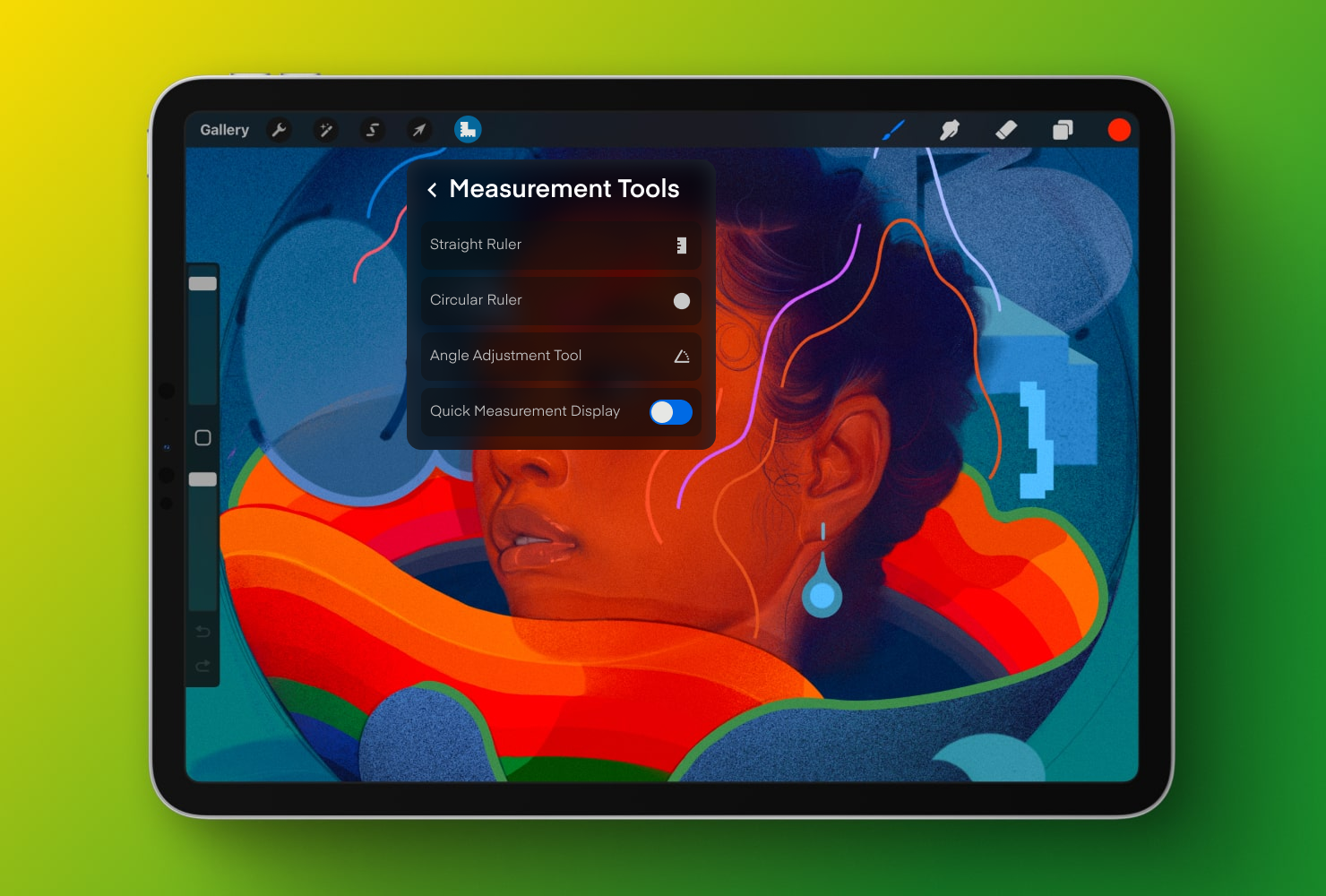
*digital art Nectar created by artist Samuel Rodriguez using Procreate. He didn't use our measurement tools yet. This is only for demonstration purposes
01. The Challenge
Product designers often need precise measurements while creating 2D sketches, but traditional drawing tools can make it difficult to maintain accuracy without interrupting the workflow. This project explored how a set of intuitive measurement tools could improve precision and efficiency in digital sketching applications.
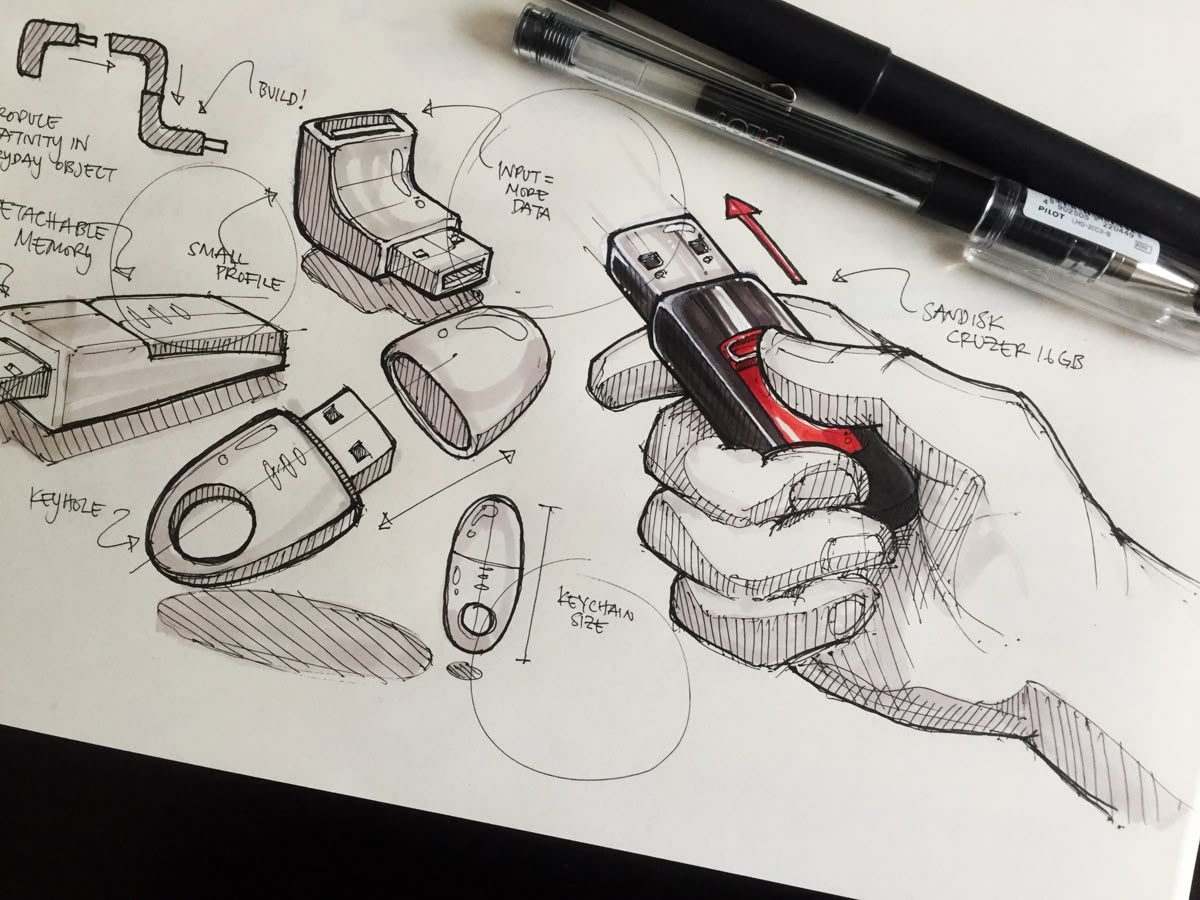
*image from pinterest by Zac Fischel
02. Exploring Interaction Techniques
We explored four key features for a 2D drawing application: an angle adjustment tool, a circular ruler, a straight ruler, and a quick measurement display. We also investigated gesture-based interactions, such as dragging to adjust circle diameters and using slice gestures to control the length of arcs and curves.
.png)
.png)
03. Prototyping the Tools
04. Evaluating the Experience
We designed a usability evaluation around practical drawing tasks, including creating circles with specific diameters, setting angles, previewing measurements, and drawing object views with real-time dimensions. The evaluation framework combined the System Usability Scale (SUS) with post-task questionnaires to understand the tools' usability, clarity, and effectiveness.
.png)
.png)
.png)
.png)
05. Insights and Iteration
User feedback highlighted opportunities to simplify the angle adjustment tool, reduce the learning curve, improve visual feedback, and offer more customization. Users also expressed interest in additional gesture-based tools and switching between on-screen and real-world measurement units. These insights informed the revised prototypes, with a focus on making interactions clearer and the overall experience more flexible.